How It Works
Convert files to ROBLOX in minutes. Upload 3D asset, use existing templates, build your own DAM
There are 3 ways to start

Choose a template
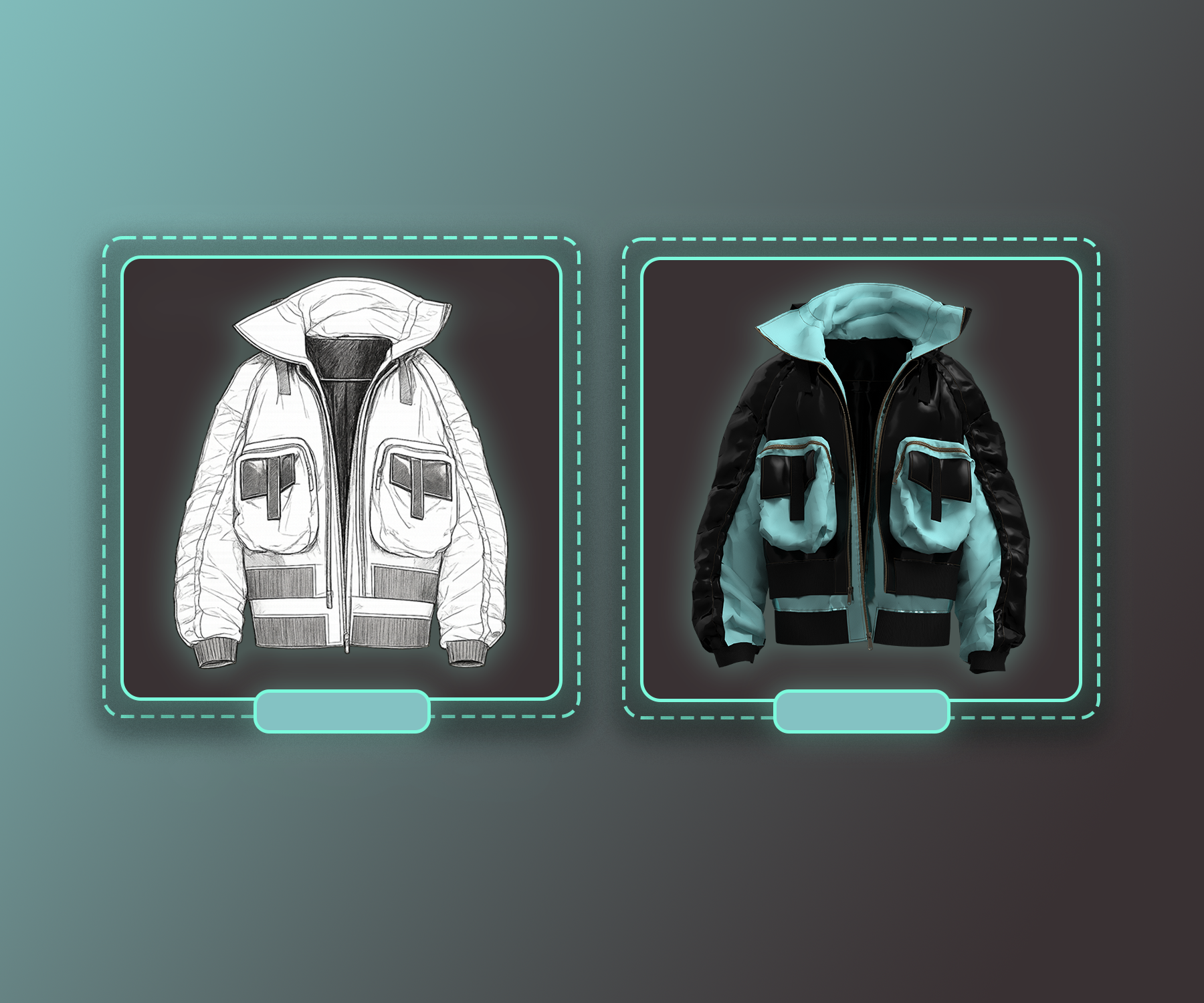
Upload a sketch
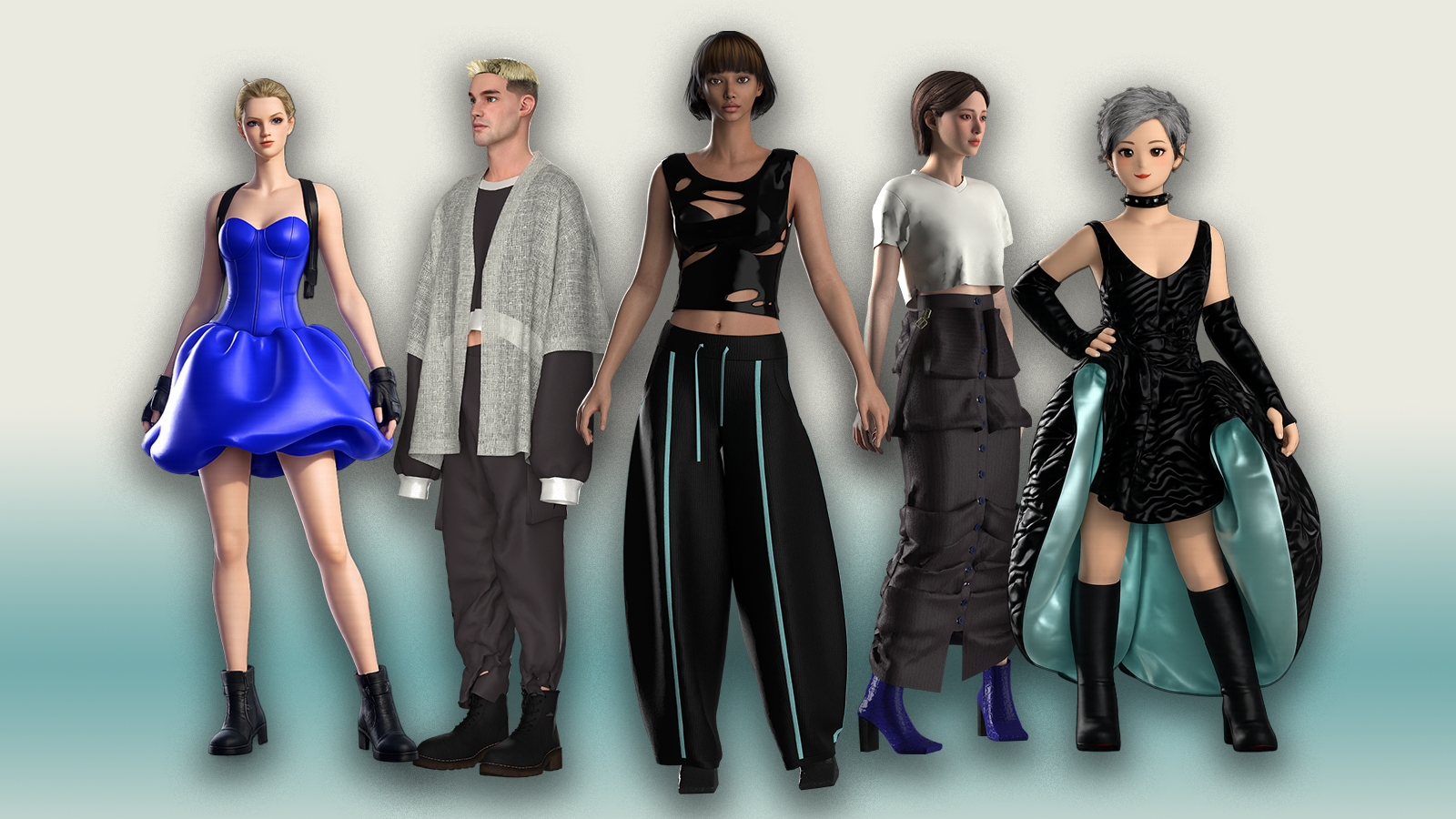
Upload a 3D file
Then
3D design editor › Export to Roblox (more games soon) › Stored in your asset library / DAM
UPLOAD 3D MODEL
Prepare File your file in Blender
Make sure it’s watertight, UV maps are correct and centred correctly. Upload 3D Model to Alvalan Design, caging, weight-painting and rigging all automates.

Use our templates
Choose from our library of templates ready to design onto, download and upload to Roblox Studio. Use our 3D Design tool to change materials, colours, add decals and prints.
Build your Data Asset Management library
Upload and store all your assets, search with sketches, create collections,and share files with relevant stakeholders
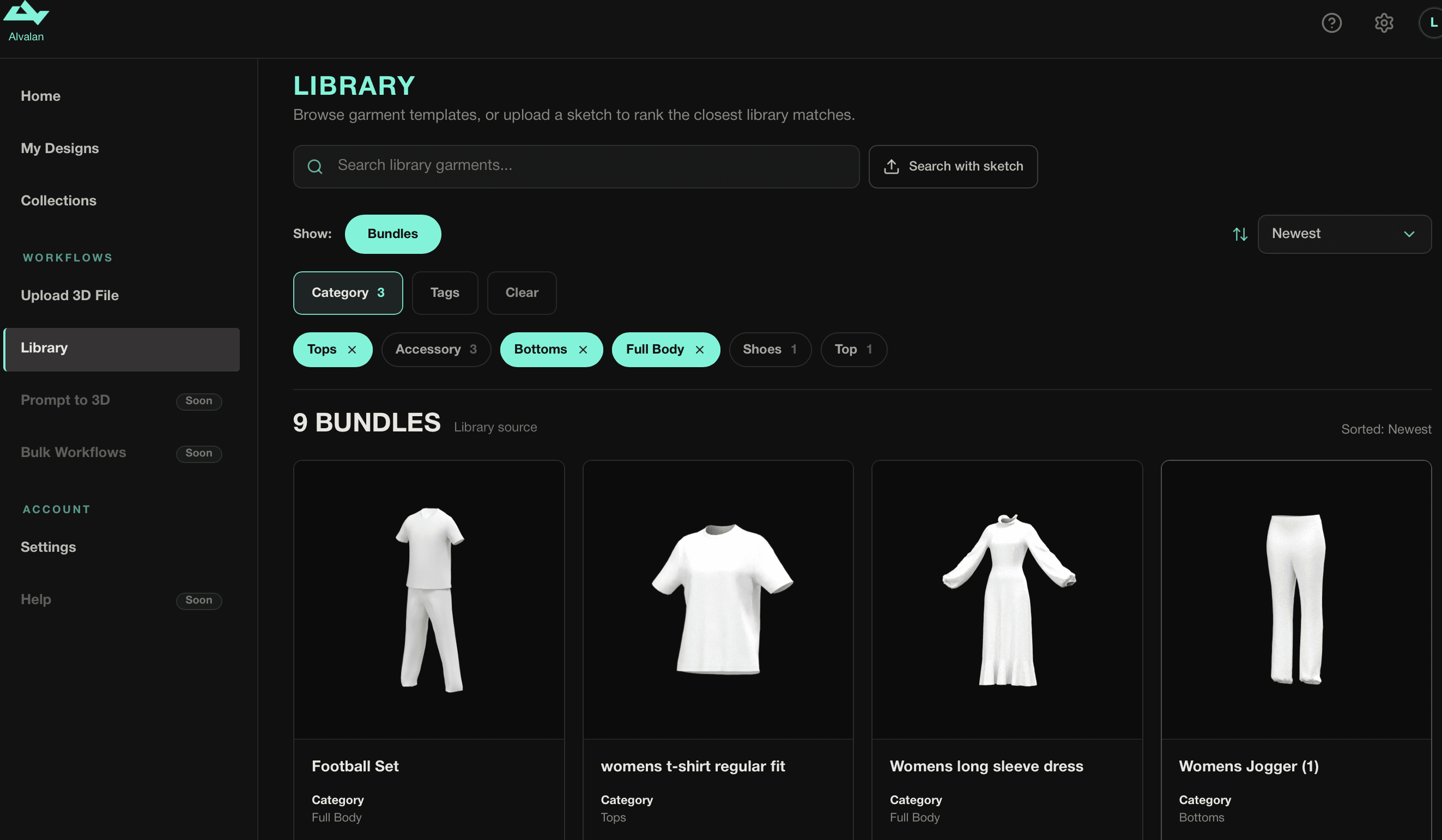
Save Designs and Bulk Export (cage, weight-paint, rig) in one go.
Alvalan is built for scale to enable you to design and bulk export at speed and continue with your work whilst our agents work in the background.

QA and Upload
to Roblox Marketplace
WHAT'S LIVE
- Materials editor — leather, knit, denim, with full position and texture controls
- Prints & decals library, plus upload your own
- 3D decals
- PBR maps for decals and materials
- Sketch-to-3D pipeline with autofitting
- Mesh tools — move, scale, rotate, auto-align to avatar
- Colour library with saved palettes
- Colour extraction from uploaded images
- Auto-generate 12 colourways in ~1 minute with PNG previews
- Brush tools — soft, hard, airbrush, flat, plus mesh-healing brush
- Weight painting — ~95% accuracy
- Text tool with full font library
- 2D/3D split view editing
- UV download/upload for external editing
- FBX export, Roblox account linking, in-Roblox preview
- Autofit — one snap grid, four sliders (position, scale), 9 snap targets (body, hat, hair, face, neck, shoulder, front, back, waist), live tri count, Roblox size-limit check
- Optimisation
- Bulk export
- 200+ library accessories and clothing
STILL TO DO
- Avatars for other platforms (CLO, UEFN, Zepeto)
- Watermarking
- Data intelligence